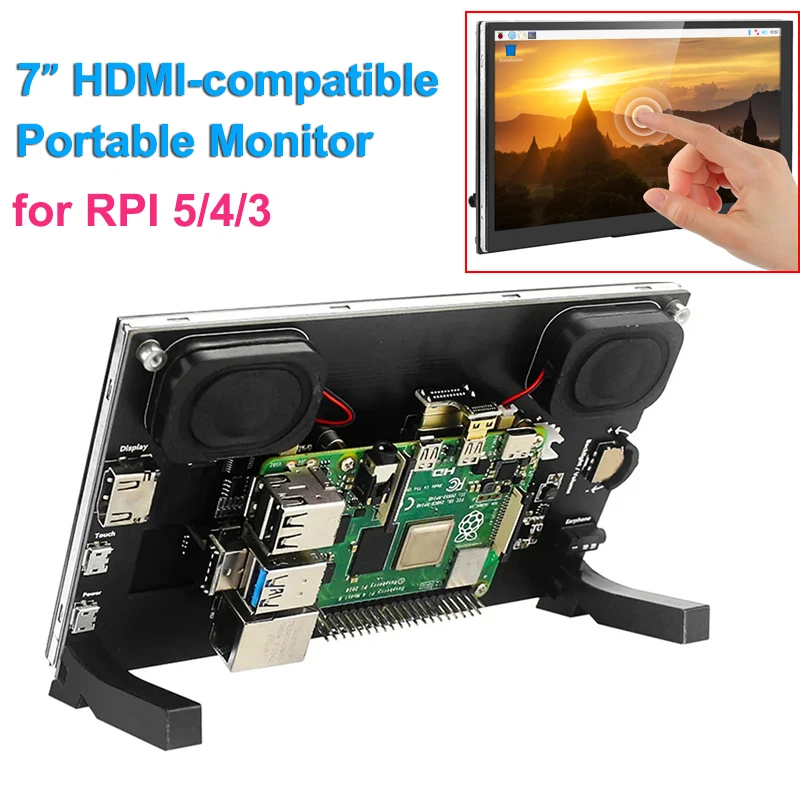
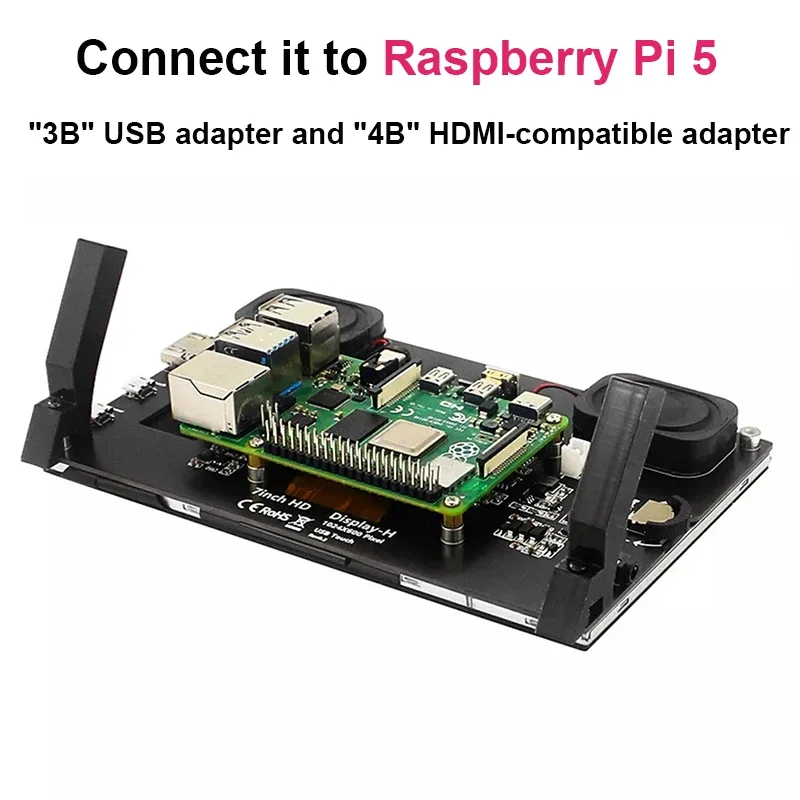
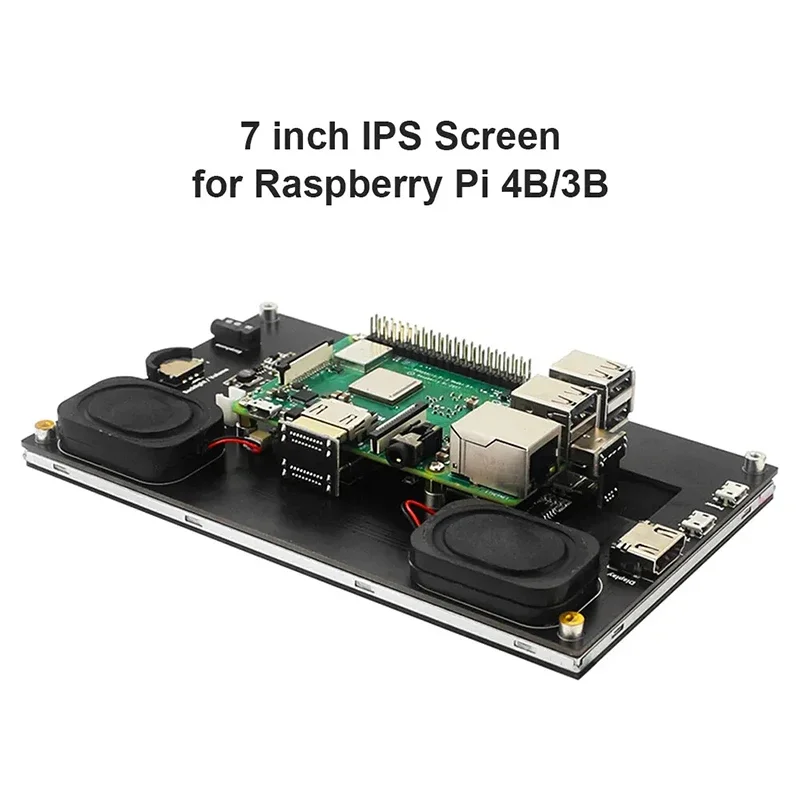
Raspberry Pi 5 7 zoll IPS Touchscreen Monitor 1024X600 HDMI-kompatibel LCD Modul Mini PC Tragbare Monitor für RPI 5 4B 3B + NULL
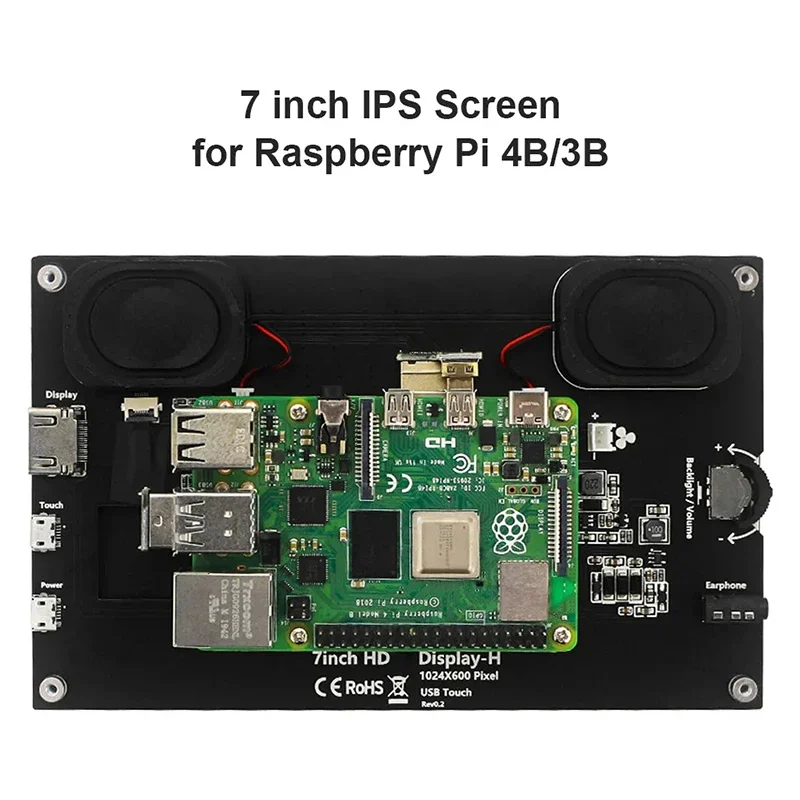
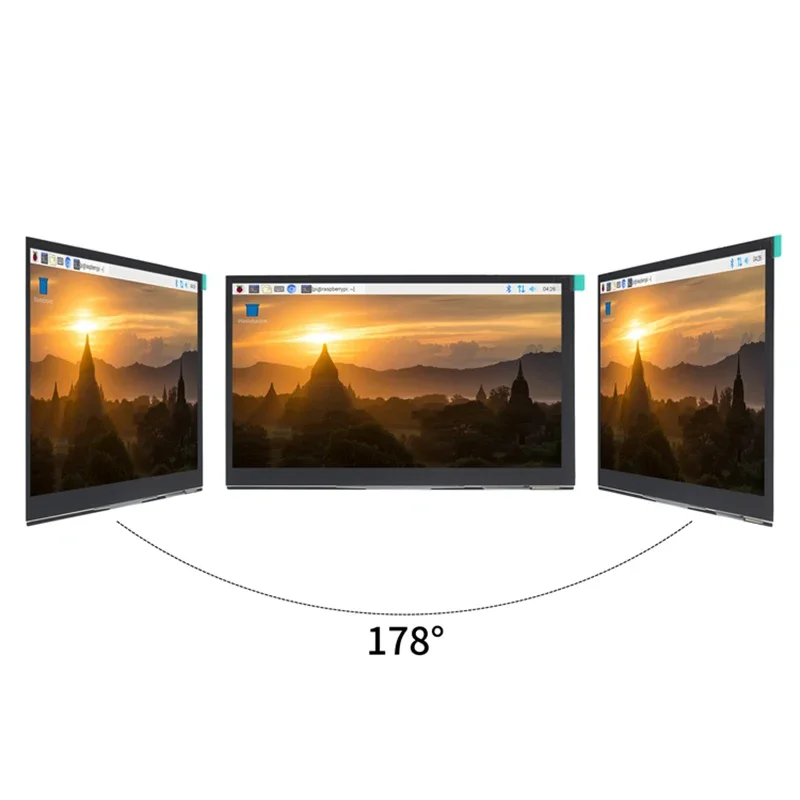
>Product Feature ● IPS full Angle display The viewing angle is large true color Dynamic picture quality is excellent Energy saving and environmental protection ● 1024X600 hd vision Resolution for hd 1024X600 dot matrix It is more delicate than an 800X480 ordinary screen ● Tempered glass touch panel Hardness up to 6H, more durable and more scratch-resistant ● External audio output interface Built-in power amplifier circuit 3.5mm external audio interface ● Used as a mini PC monitor Support raspberry pie, Banana Pi, BB Black, and other mainstream development board Support Raspbian, Kali Linux, Ubuntu, and other mainstream systems, single touch plug and play without a driver. ● Used as a computer display Support win10/win8/win7 system, support five-point touch plug and play driver Data Download:http://www.lcdwiki.com/7inch_HDMI_Display-H >Product Parameters Interface Description * 7 inch IPS full view display * This product has 3.5mm headphone jack, support HDMI audio input, Headset audio output. * Built-in Backlight adjustment button, The interface and key functions are as follows: ① HDMI Interface Input HDMI signal, using HDMI cable connection,commonly used to connect to the computer. ② Touch Interface Transfer touch signal, connect with micro USB cable,provide touch and power supply function, commonly used to connect computer. ③ Power Interface Connect to the power supply and use micro USB cable to connect. Only power supply function is provided. ④ Touch Interface Transmit touch signal, connect with micro USB cable,provide touch and power supply function, commonly used to connect Raspberry Pi. ⑤ 3.5mm Audio Interface Output audio signal, connect audio output device, such as headphones. ⑥ Backlight Adjustment Button Adjust the backlight brightness of the display screen.With each click, the backlight brightness increases by 10, the maximum increases to 100, and then starts from 0. Pres