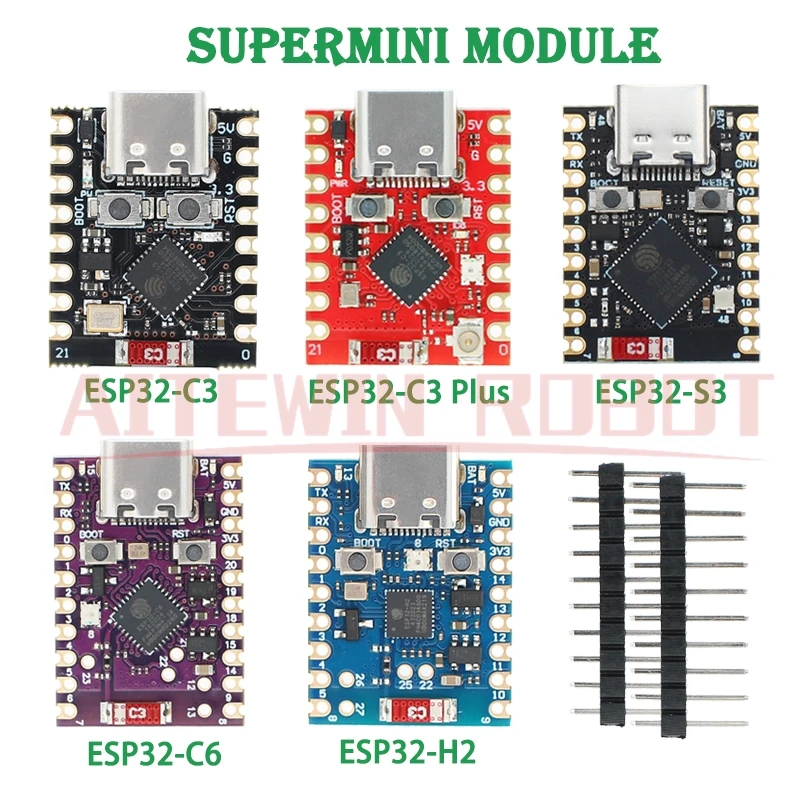
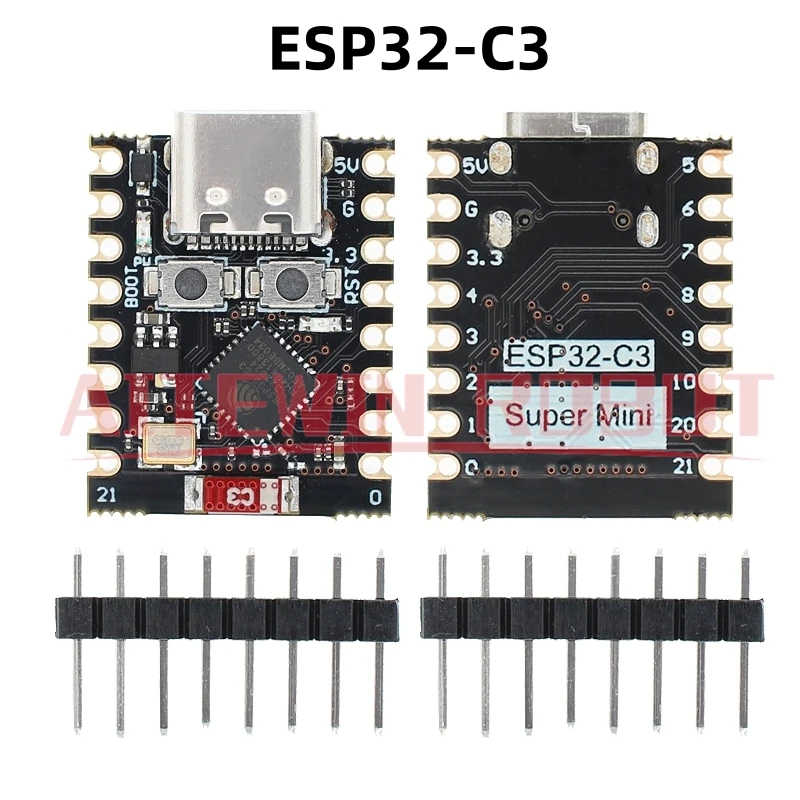
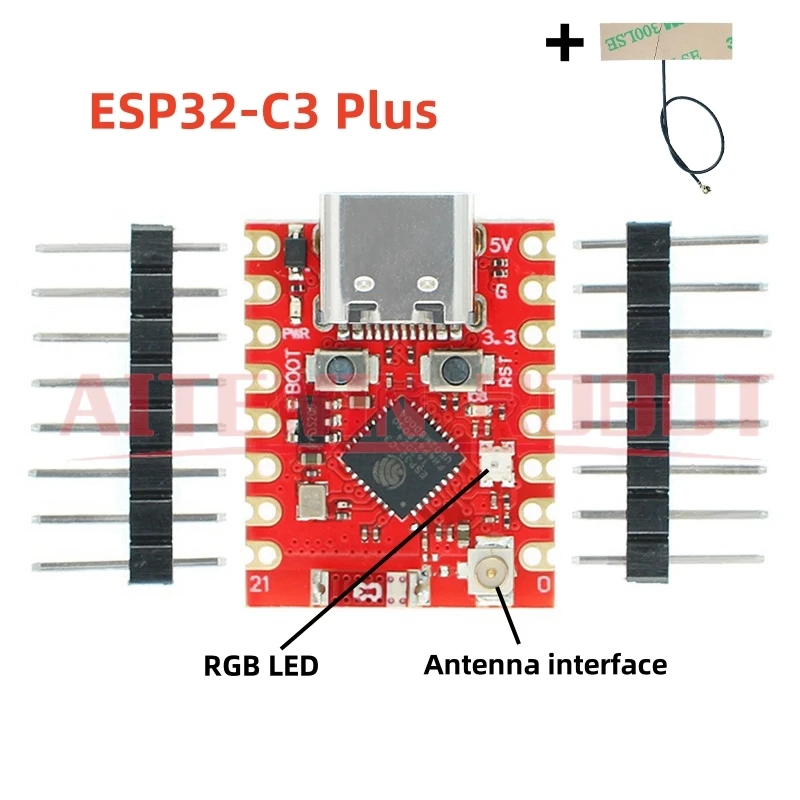
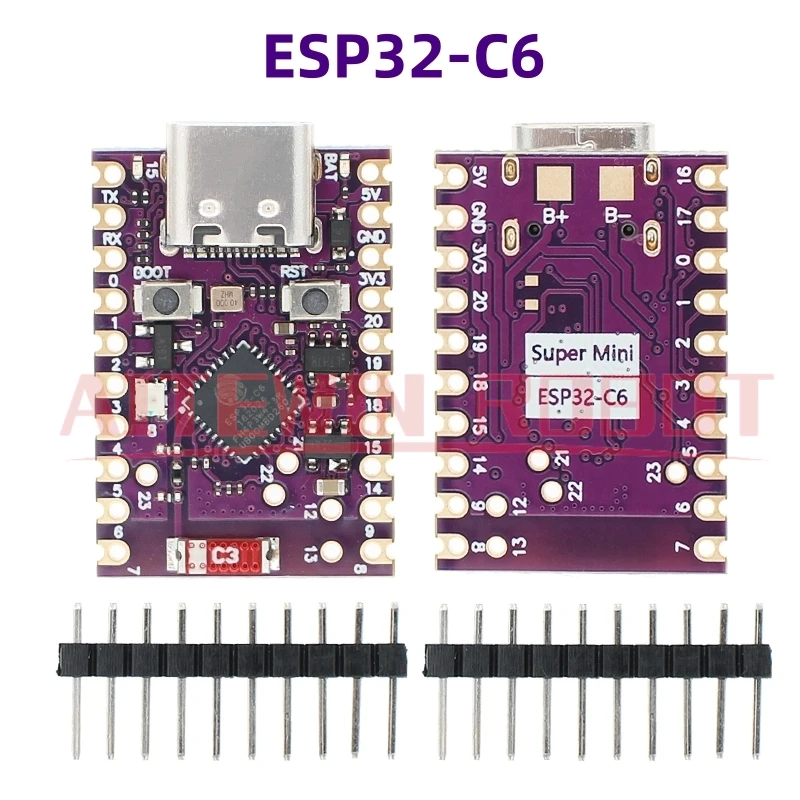
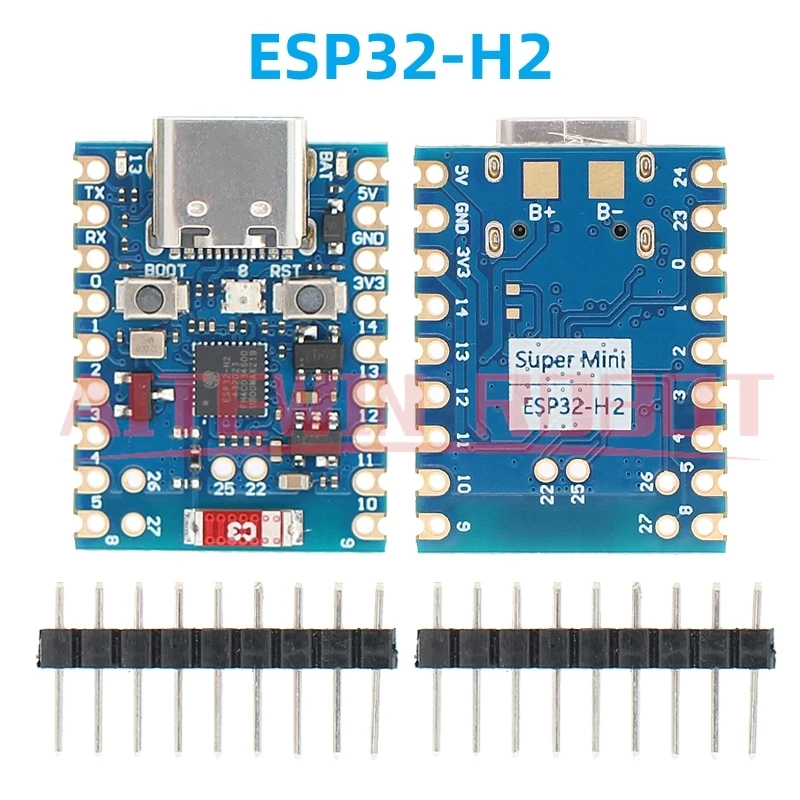
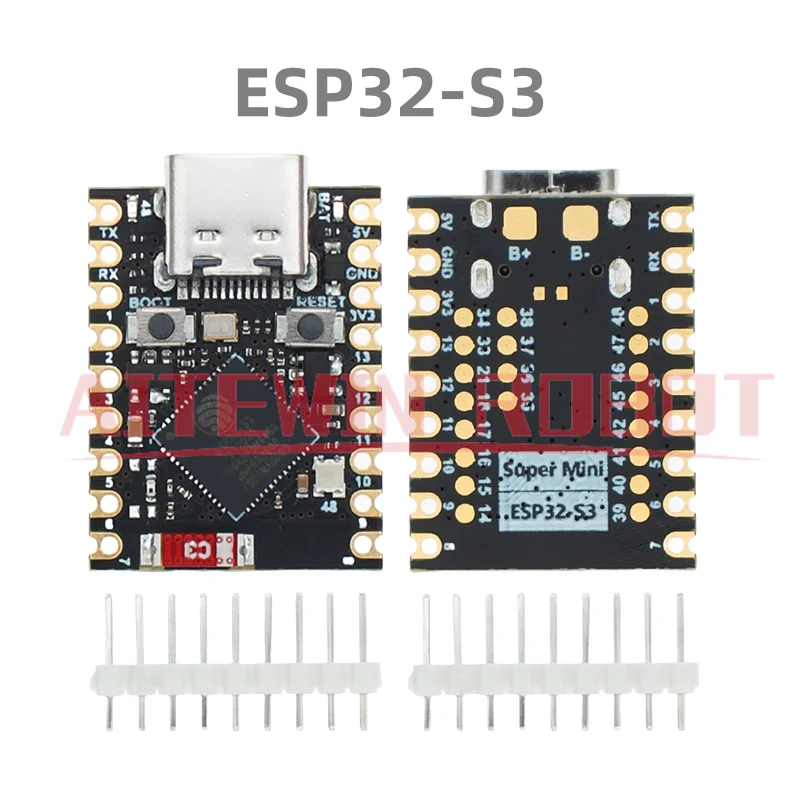
ESP32-C3 Entwicklungsboard ESP32-S3 ESP32-C6 ESP32-H2 SuperMini Entwicklungsboard ESP32 C3 Entwicklungsboard WiFi Bluetooth
ab CHF 7.90
💬 076 792 63 50 (WhatsApp / SMS)
🇩🇪 Deutsch
If external power supply is required, just connect the + level of the external power supply to the position of 5V, GND connects to the negative terminal. (Support 3.3 ~ 6V power supply). Remember that when connecting the external power supply, you cannot access USB, USB and external power supply can only choose one. Enter the download mode: Hold down the BOOT button of the ESP32C3, press the RESET button, release the RESET button, and then release the BOOT button. Then the ESP32C3 will enter the download mode. (Each connection needs to re-enter the download mode, sometimes press once, the port instability will be disconnected, you can judge by the port identification sound)