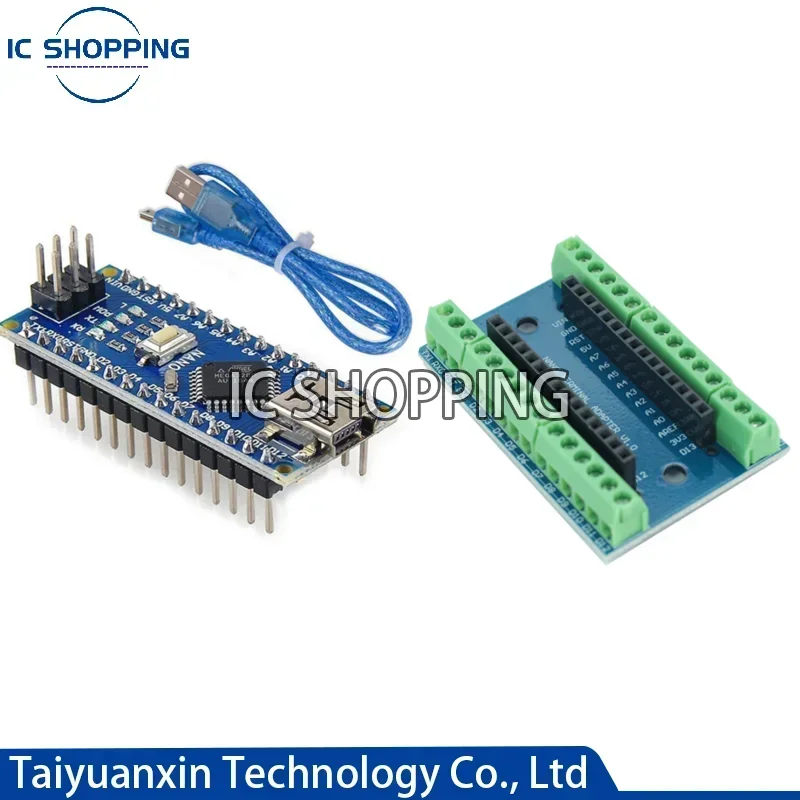
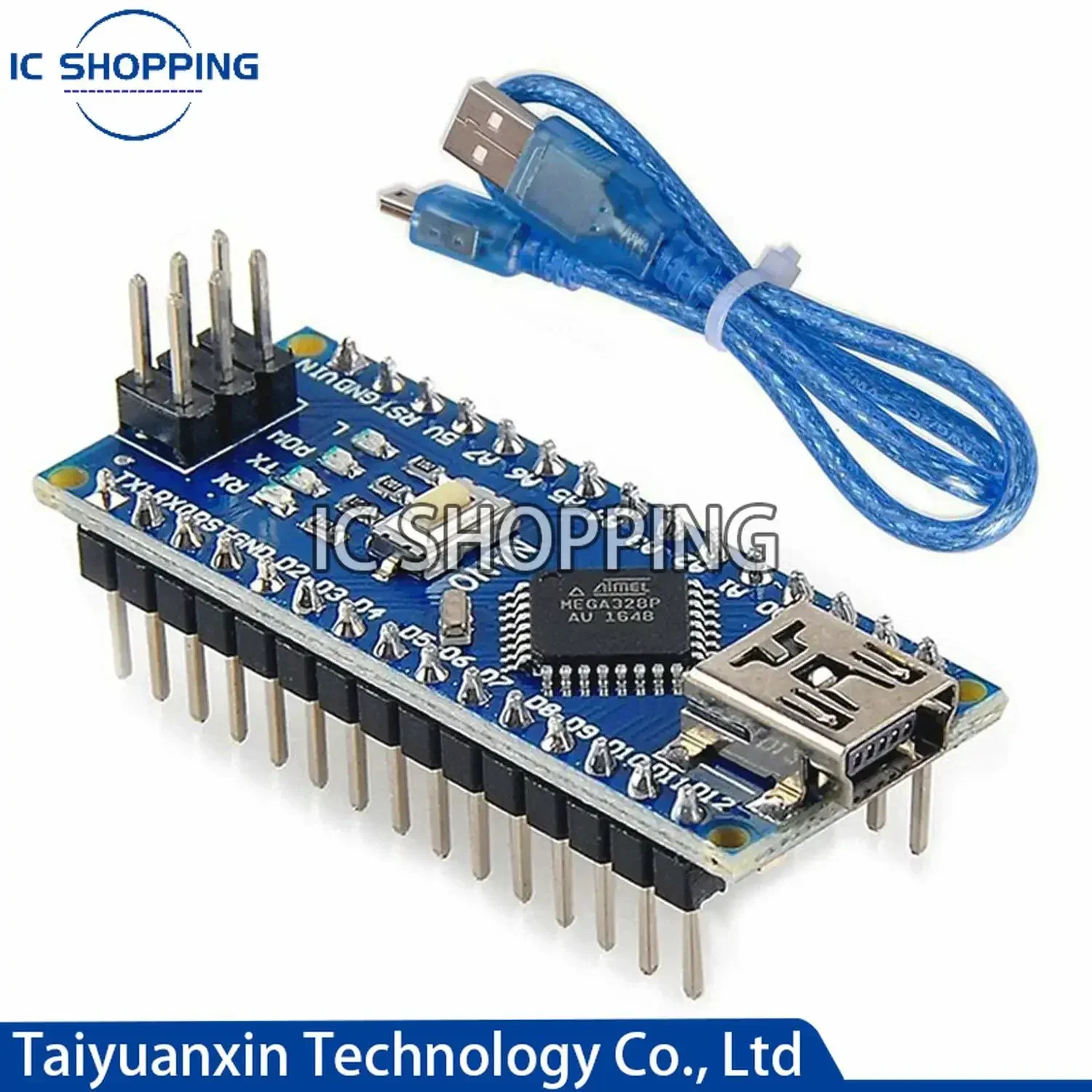
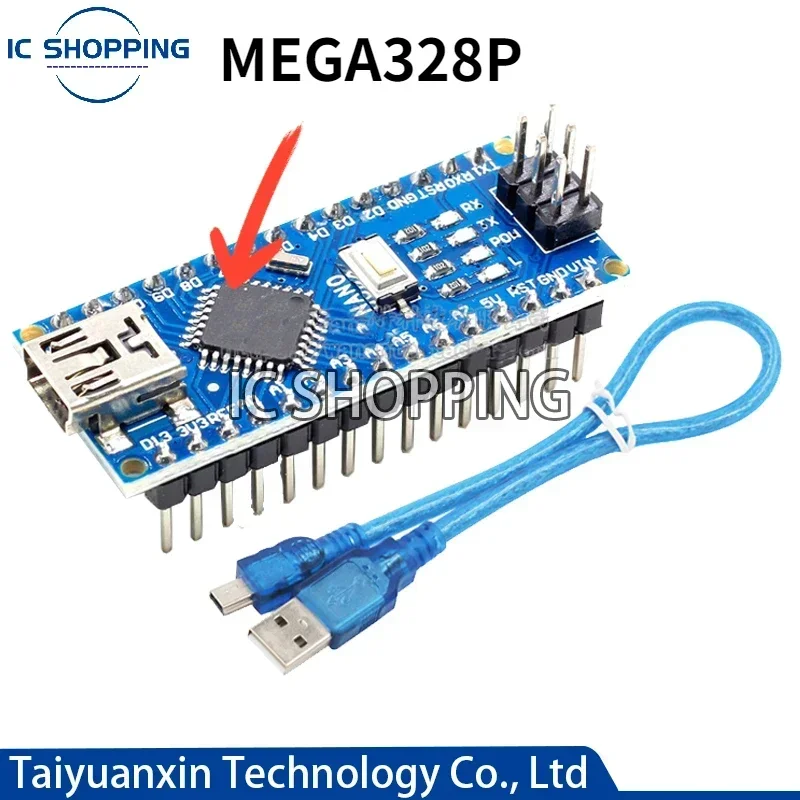
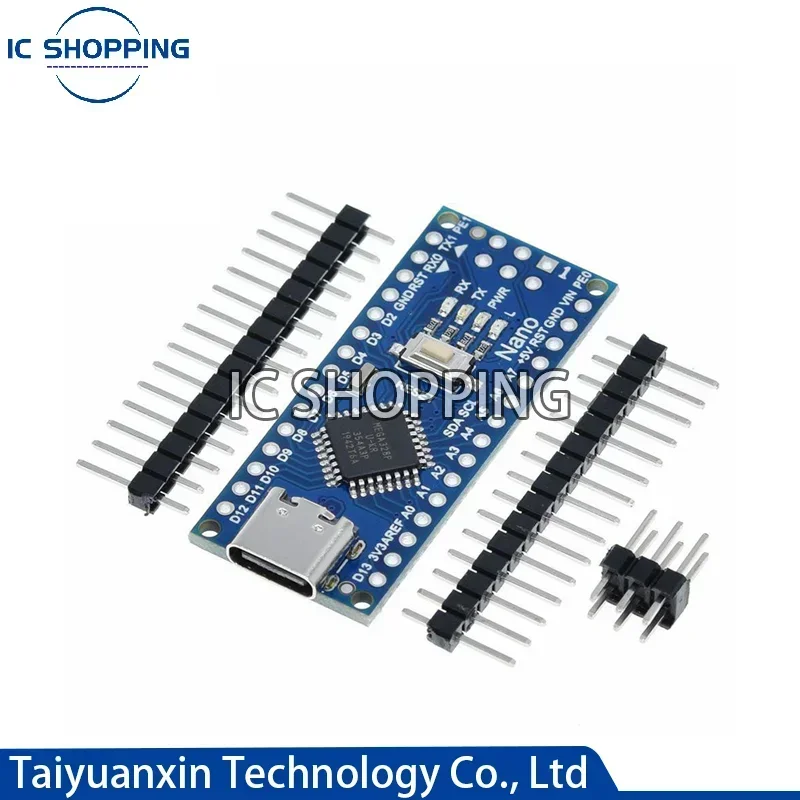
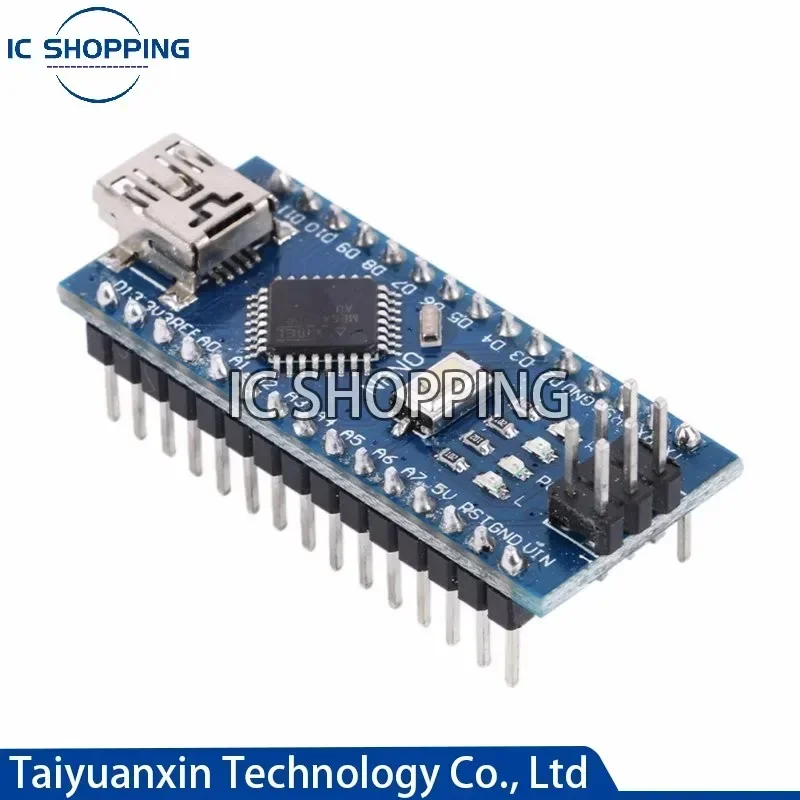
Mini Nano V3.0 ATmega328P Mikrocontroller-Board für Arduino CH340 USB-Treiber 16 MHz Nano V3.0 ATMEGA328P/168P
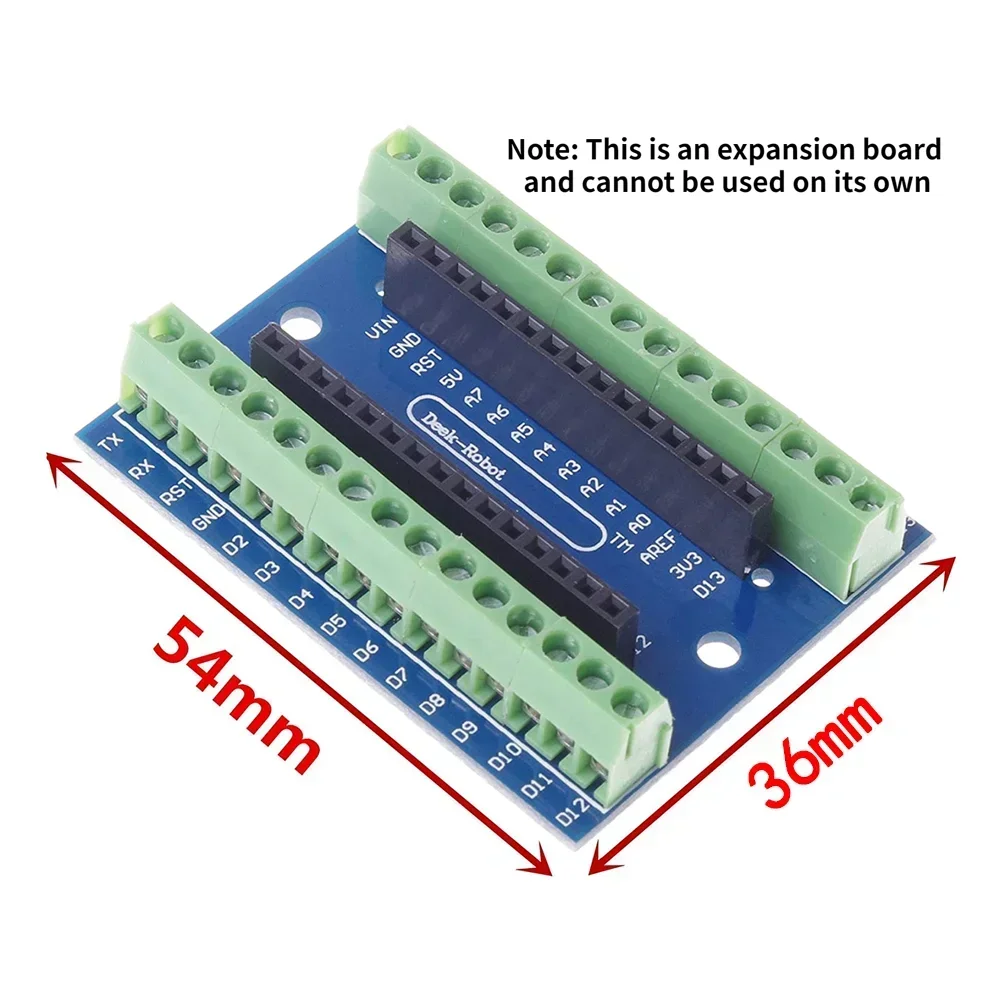
Specification: ATMEGA328P-1 is Mini interface ATMEGA328P-2 is Mini interface ATMEGA328P-3 is Mini interface Nano mini Set is Mini interface =ATMEGA328P mini interface+wire+Nano Expansion Board ------------------------------------------------------------ ATMEGA328P is TYPE-C interface ATMEGA328P-4 is TYPE-C interface ATMEGA328P-4 is TYPE-C interface Nano type Set is TYPE-C interface = ATMEGA328P TYPE-Cinterface+Nano Expansion Board Expansion Board: Expansion Board: Expansion board only, nano v3.0 development board not included ------------------------------------------------------------------------------------- Instructions: 1. Downloaded IDE Download link: http://arduino.cc/en/Main/Software (copy and open) 2. Download the USB chip driver 3. Plug in the NANO development board, the driver will be installed automatically 4. Select the board NANO in die 5. Select the COM port, this can be queried in my computer, the port in your uno development board just now 6. It is best to choose first, the routine program that comes with arduino, burn it in Circuit diagram reference Nano3.0 http://arduino.cc/en/uploads/Main/ArduinoNano30Schematic.pdf Hardware design file (Eagle file) Nano3.0 http://arduino.cc/en/uploads/Main/ArduinoNano30Eagle.zip Test tutorial: https://xwdz.lanzous.com/ipVwgdoljda #aediy1con{position:fixed;z-index:99999999;top:200px;right:5px;padding:12px 10px;text-align:center;border-radius:5px;background:#ffeb3b;width: 200px;}#aediy1con .btnxx{font-size: 14px;line-height: 16px;position: absolute;z-index: 99;top: -1px;right: -1px;width: 18px;height: 18px;text-align: center;color: rgb(255, 255, 255);border-radius: 0 5px 0 0;background: #f44336;}#aediy1con.hidediycon{right: -200px;overflow: visible;}#aediy1con.hidediycon .btnxx{font-size: 13px;line-height: 26px;right: i