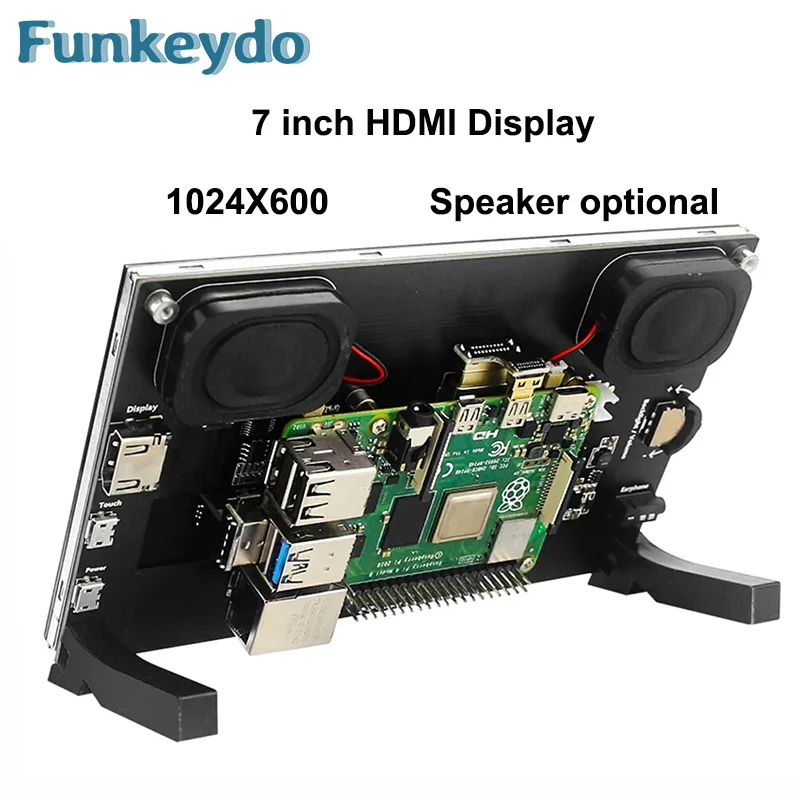
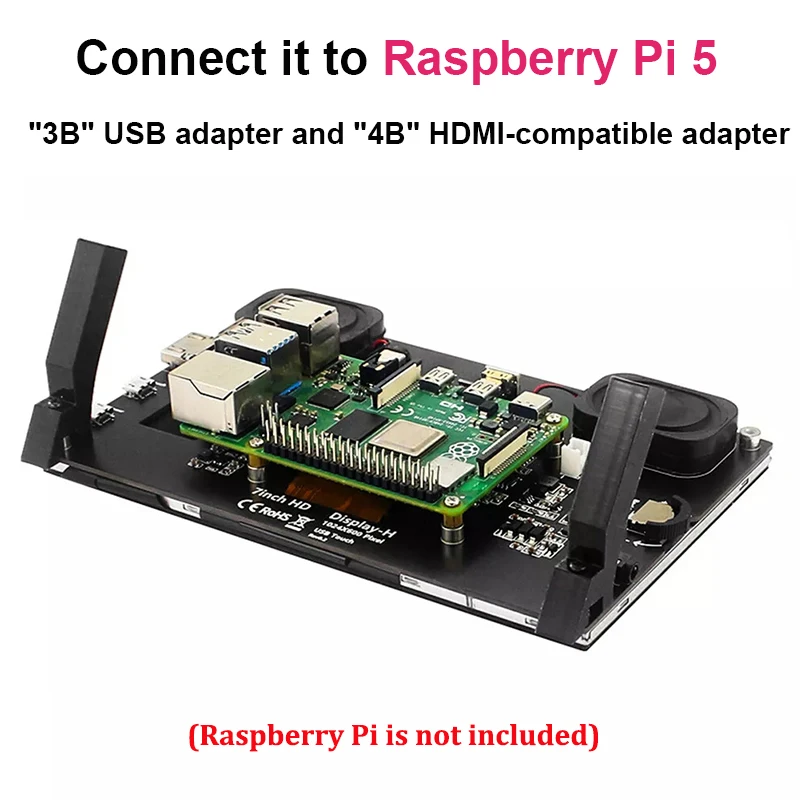
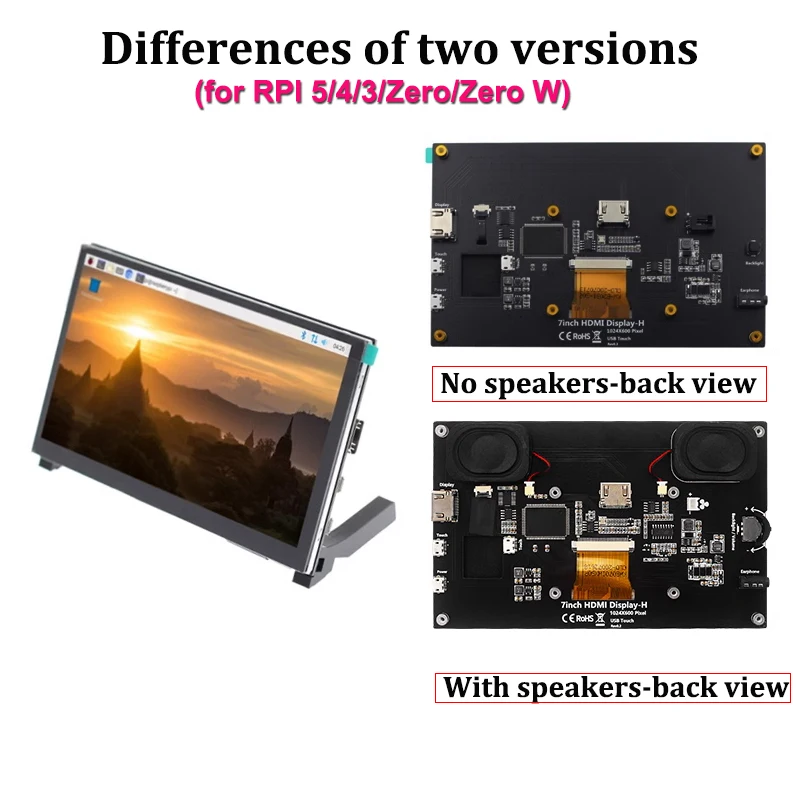
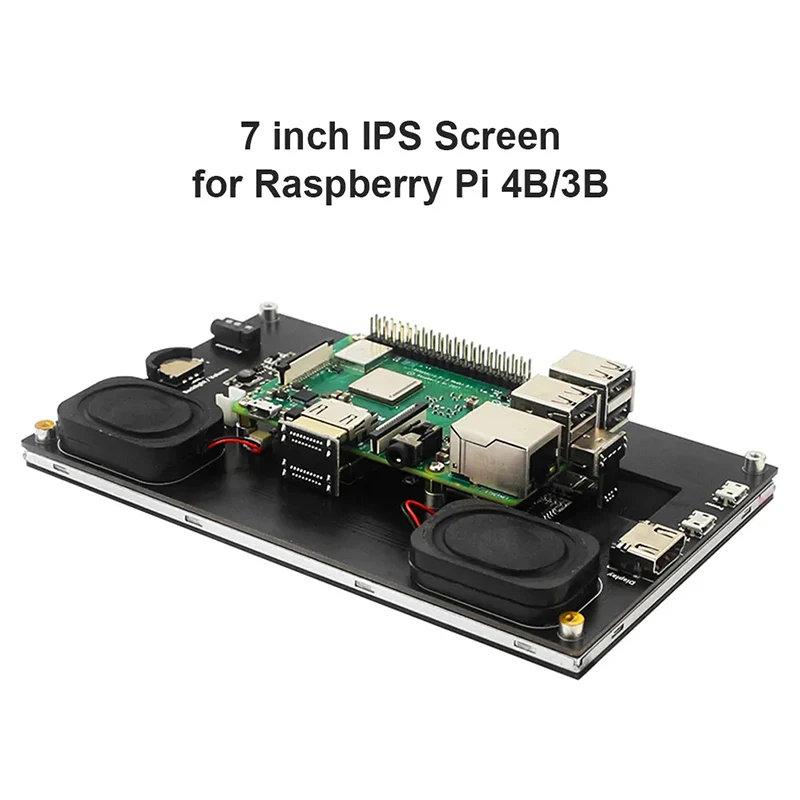
Raspberry Pi 5 7,0 Zoll IPS Touchscreen LCD Display Modul 1024X600 HDMI-kompatibel Mini PC Tragbare Monitor für RPI 3B + 4B NULL
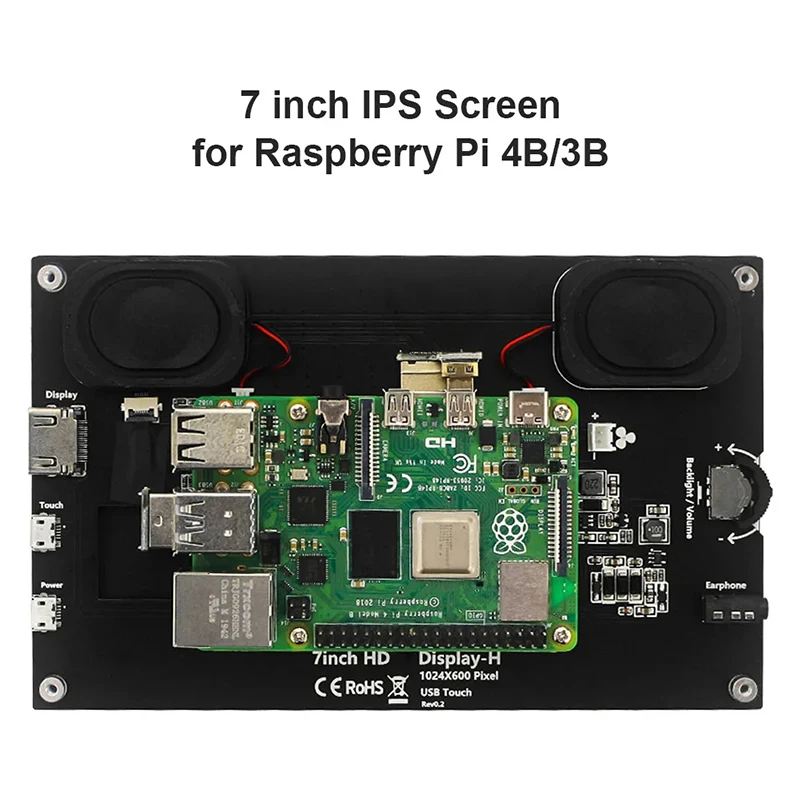
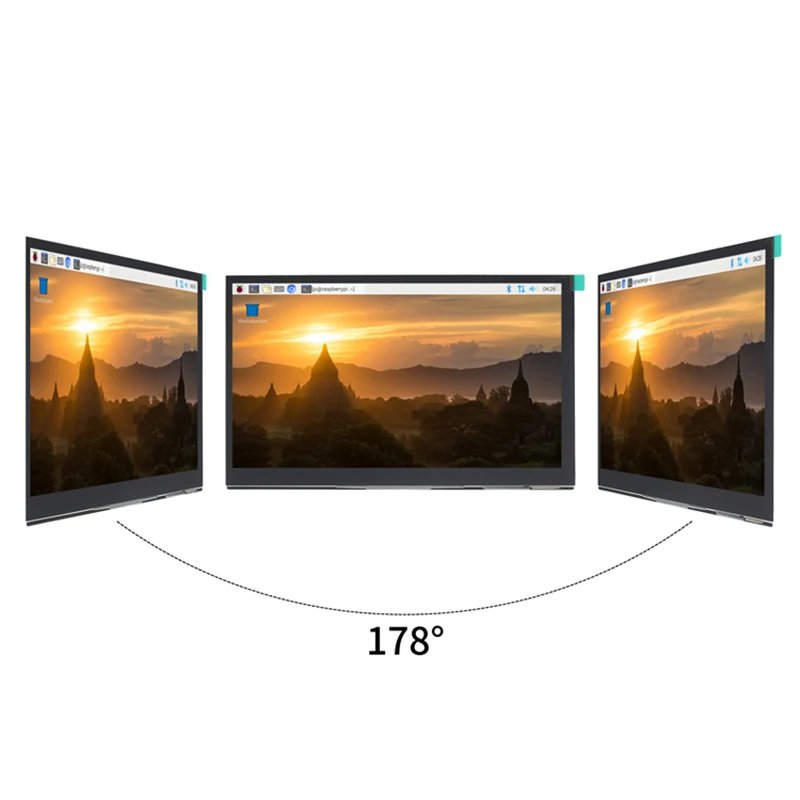
● IPS full Angle display The viewing angle is large true color Dynamic picture quality is excellent Energy saving and environmental protection ● 1024X600 hd vision Resolution for hd 1024X600 dot matrix It is more delicate than an 800X480 ordinary screen ● Tempered glass touch panel Hardness up to 6H, more durable and more scratch-resistant ● External audio output interface Built-in power amplifier circuit 3.5mm external audio interface ● Used as a mini PC monitor Support raspberry pie, Banana Pi, BB Black, and other mainstream development board Support Raspbian, Kali Linux, Ubuntu, and other mainstream systems, single touch plug and play without a driver. ● Used as a computer display Support win10/win8/win7 system, support five-point touch plug and play driver Data Download:http://www.lcdwiki.com/7inch_HDMI_Display-H Interface Description * 7 inch IPS full view display * This product has 3.5mm headphone jack, support HDMI audio input, Headset audio output. * Built-in Backlight adjustment button, The interface and key functions are as follows: ① HDMI Interface Input HDMI signal, using HDMI cable connection,commonly used to connect to the computer. ② Touch Interface Transfer touch signal, connect with micro USB cable,provide touch and power supply function, commonly used to connect computer. ③ Power Interface Connect to the power supply and use micro USB cable to connect. Only power supply function is provided. ④ Touch Interface Transmit touch signal, connect with micro USB cable,provide touch and power supply function, commonly used to connect Raspberry Pi. ⑤ 3.5mm Audio Interface Output audio signal, connect audio output device, such as headphones. ⑥ Backlight Adjustment Button Adjust the backlight brightness of the display screen.With each click, the backlight brightness increases by 10, the maximum increases to 100, and then starts from 0. Press and hold for 3 seconds to turn off the backlight. ⑦ C